


Table of Contents
Go to your dashboard by hover over your username on the top right area > click on “Dashboard” > Go to “Products” tab.
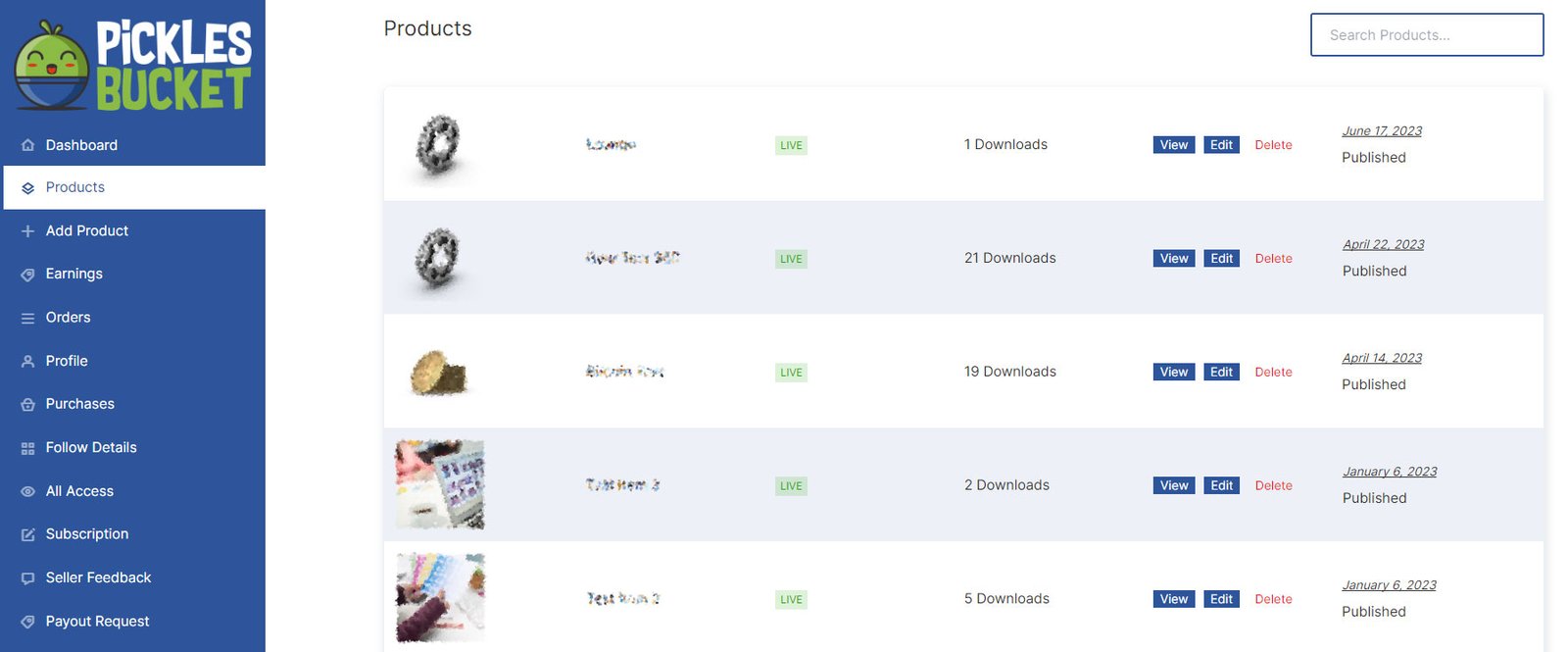
You can see your full products list with its status whether it’s Live, Pending or rejected.
Search products #
From the “Products” tab > go to the search products bar in the top right area. Type the name of your products and it will filter your products in the below list. Please note that “Don’t click enter” after search. Otherwise, you will go to the full website search page.
Edit products #
Beside each item you can find buttons to view, edit or delete your products.


