


Once you register on PicklesBucket website, you have an access to a dashboard where you can control and manage your details, following, payment details & purchase history. Here we will have a quick look into your account and how to manage it. And there will be more articles on how to manage each part in your account.
View your dashboard #
There are 2 ways to access your dashboard. First, after you login, you will be redirect to your dashboard immediately. Second, hover over your account name on the top right area then click on dashboard.
Profile tab #
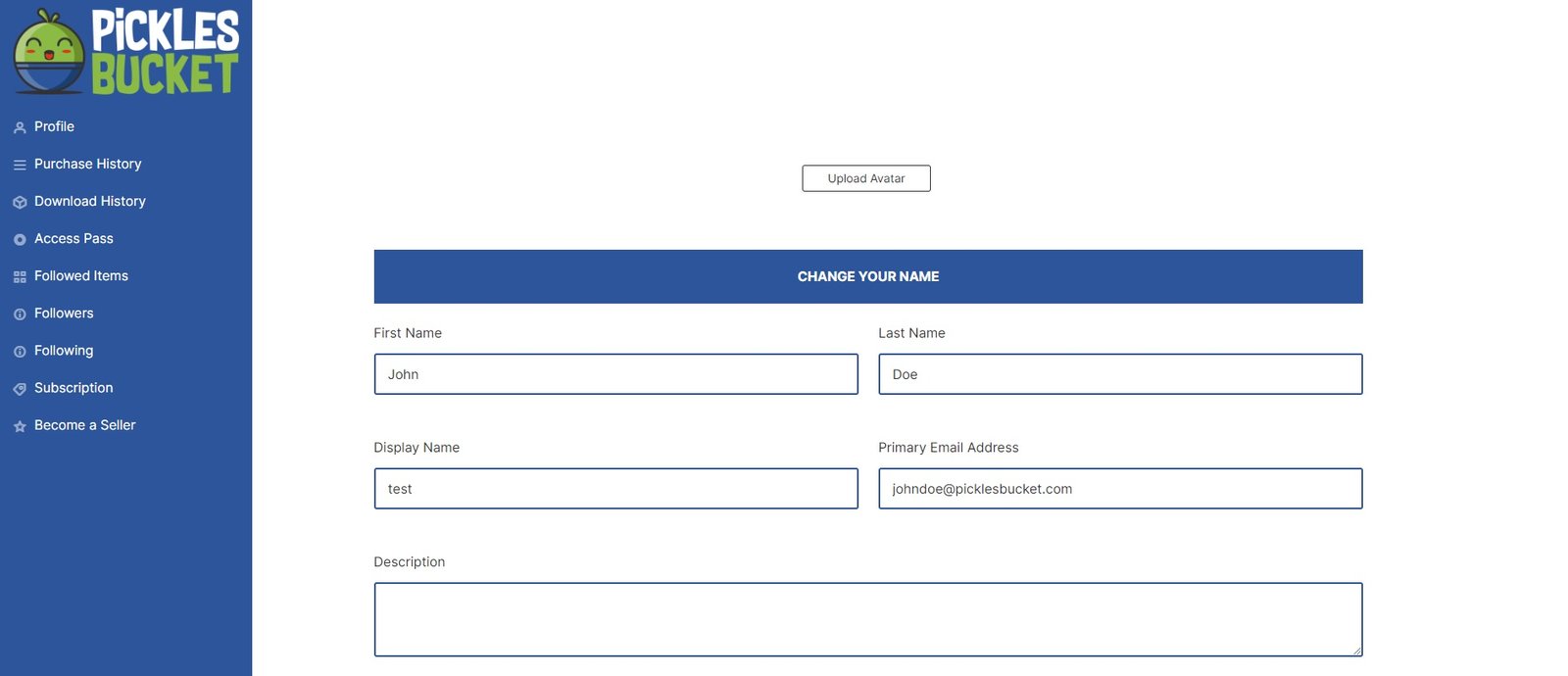
From your profile tab, you can do the following:
1- Add a use avatar
2- Change your name and email
3- Change your billing address
4- Change your password
Purchase history tab #
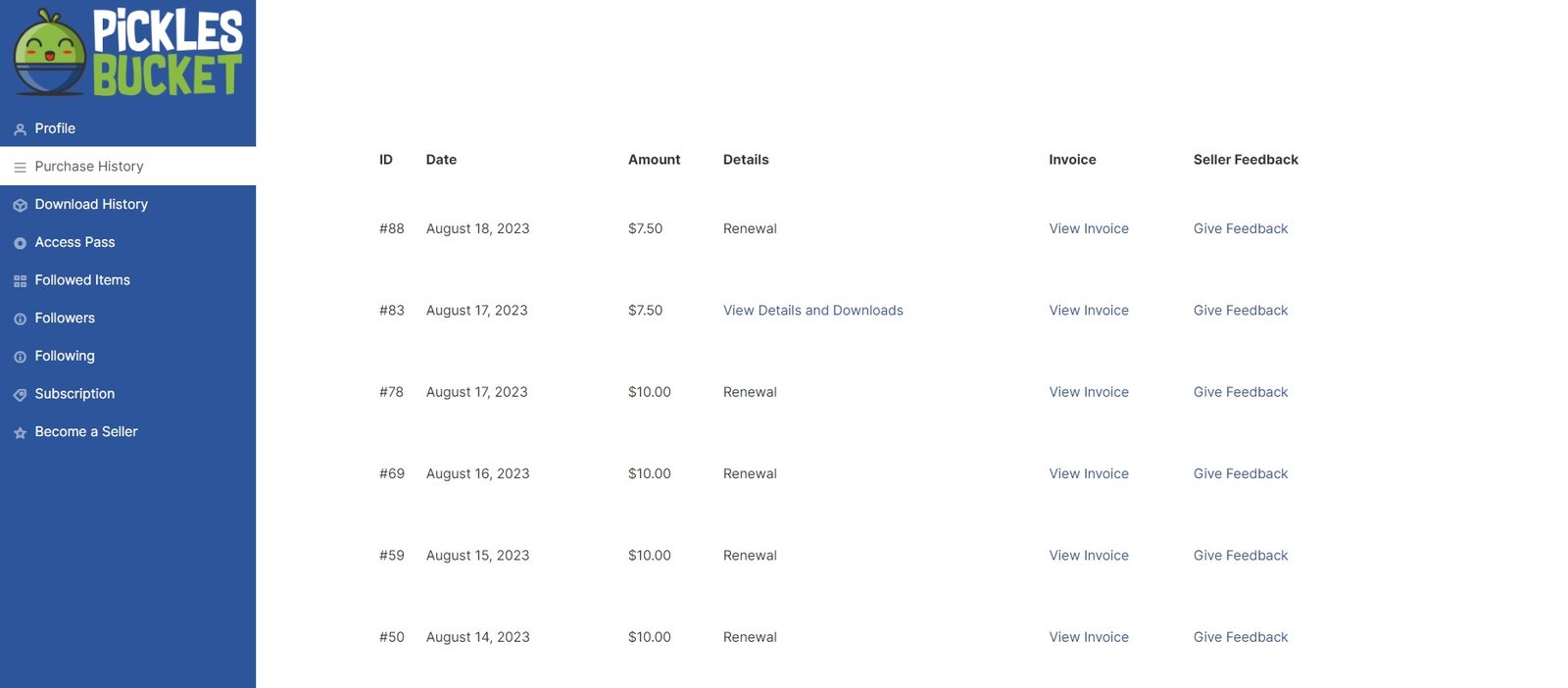
From this tab you can have full access to all your purchasing plans. You can view your purchase history by dates and types. View and download purchase invoices.
Download history tab #
In this tab you can view the list of subscription plans you purchased over the time.
Access pass tab #
In the access pass tab, you can view the subscription plan status, purchase date, renewal date and you can see your downloaded files history and limit.
Followed items tab #
You can see all the products that your followed creatives have uploaded recently. You can click to view them and reach them faster than the products pages.
Followers tab #
You can see who follows you in this tab.
Following tab #
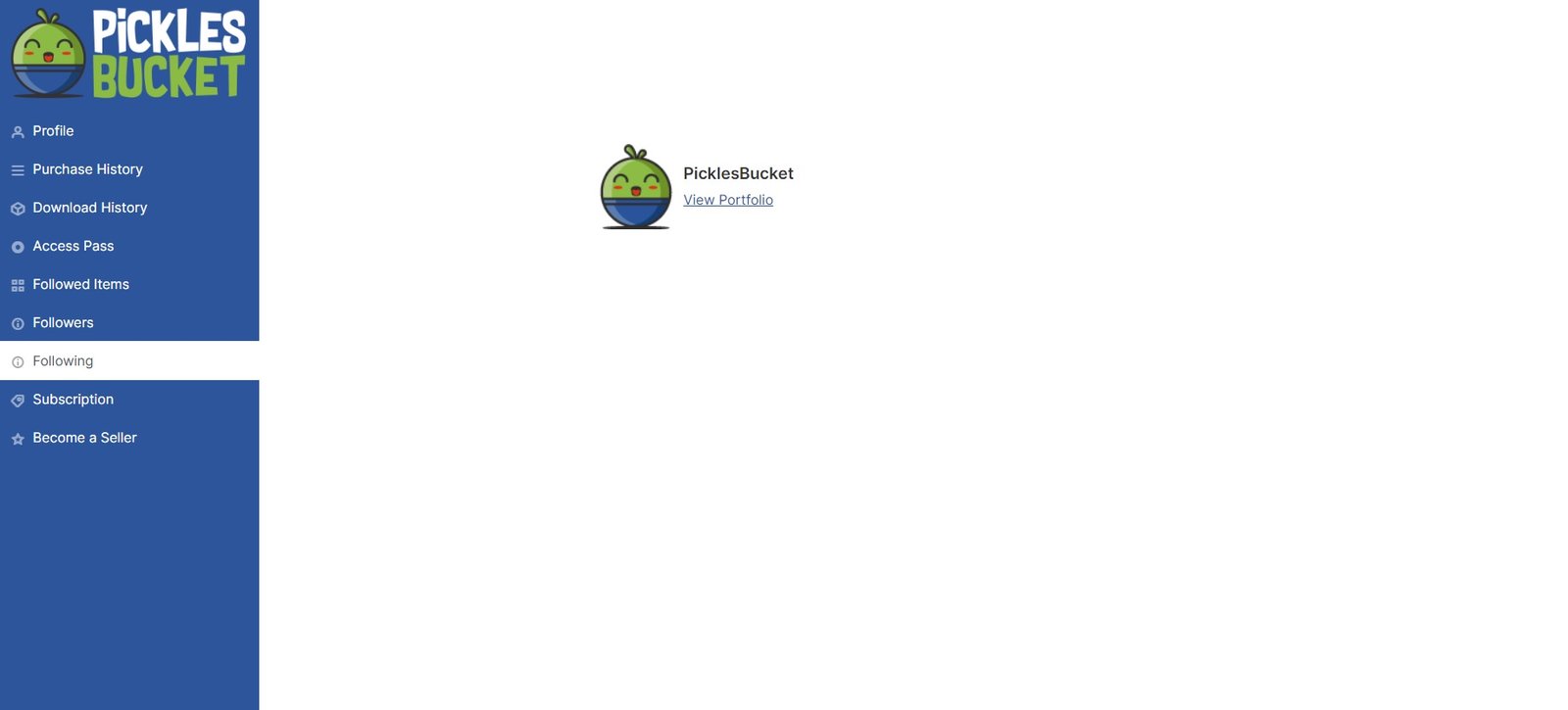
You can see and manage the creatives you follow from this tab.
Subscription tab #
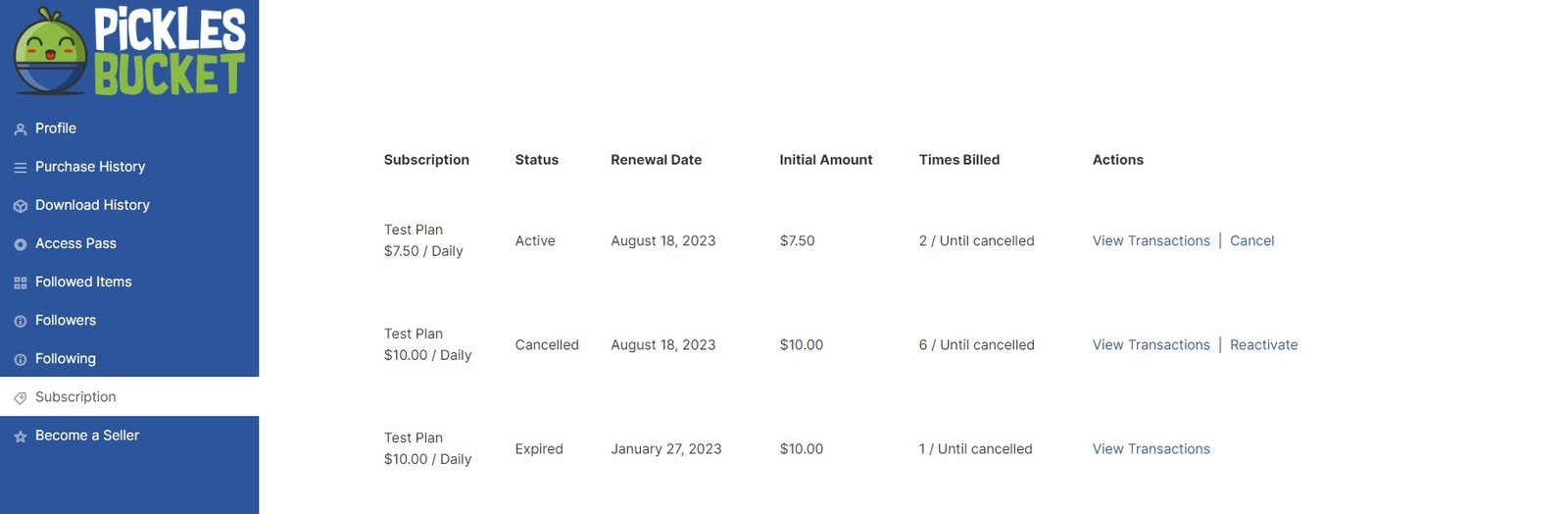
In this tab you can manage your subscription to any plan you have. You can change your billing details, view your transactions or cancel your subscription.
Become a seller tab #
This tab will allow you to fill out a form if you want to sell your own digital products on PicklesBucket.


